

POPtics 3D Glasses
Overview: When you place different filters in front of each eye, a red and a cyan for example, you can create a stereoscopic 3D effect. Stereoscopic means placing 2 identical images, that are slightly offset, on top of one another. When these images are different colors, and you use matching filters, one over each eye your brain perceives this as a 3D image.
Supplies: Red/blue 3D glasses, red/blue 3D drawing paper, MakeIt3D app
Objectives: Take your own pictures or create your own drawings and view them in 3D
Setup:
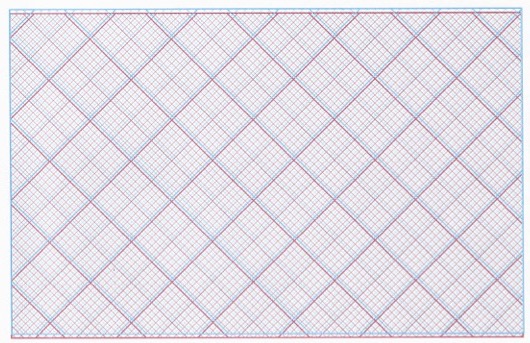
- If drawing, print out the 3D paper
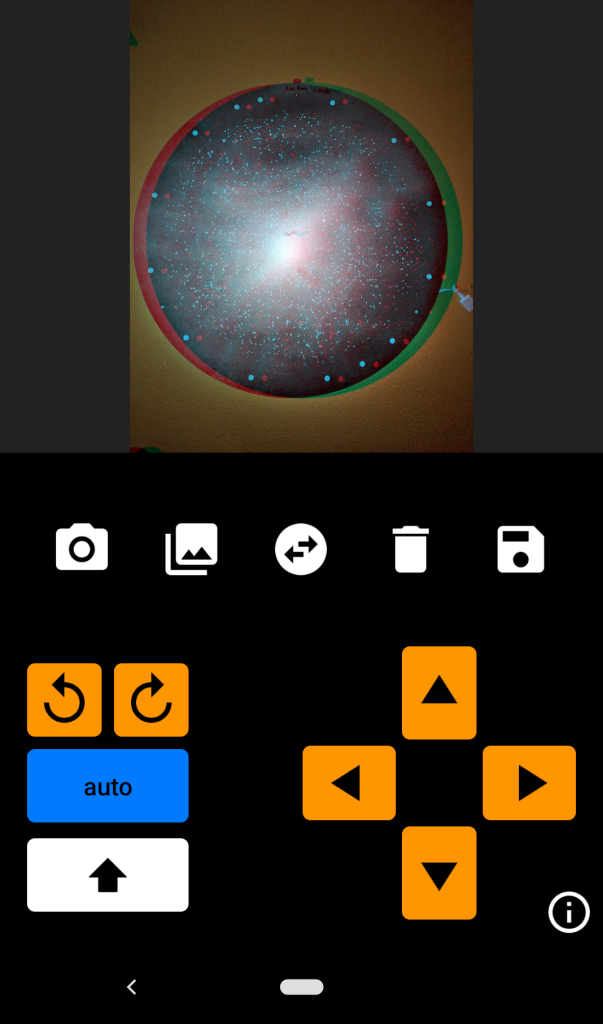
- If taking pictures, download the MakeIt3D app (or any other one you find in the app store that you want to use)
- Have the 3D glasses ready to put on with the red filter over the left eye and the cyan filter over the right eye
How to run the demo:
Use the black pen to create a picture on the 3D paper. Use the 3D glasses to see the drawn image come to life.
Use the MakeIt3D app to take pictures with your phone. Use the 3D glasses to see your own photograph pop in 3D.
What’s Happening?
The eye is sensitive to 3 primary colors, red, blue and green. When blue and green are combined they form the color cyan. When you use a pair of red/cyan 3D glasses the red light is let through to one eye (the cyan side), and all the red light is blocked through the other eye (the red side). When you look at an image that has both a red and cyan layer, offset by the distance between your eyes, your brain sees two different images and interprets this as a 3 dimensional image.
Try this:
You can make you own 3D glasses. They don’t work quite as well as a commercial pair, but it is a fun project. Watch these videos to learn how.